01 / TWO SEARCH MODES
Basic search, by default.
EmbeddingGemma 2 creates visual embeddings. Enable Qwen deep analysis when needed; each mode keeps its own index.
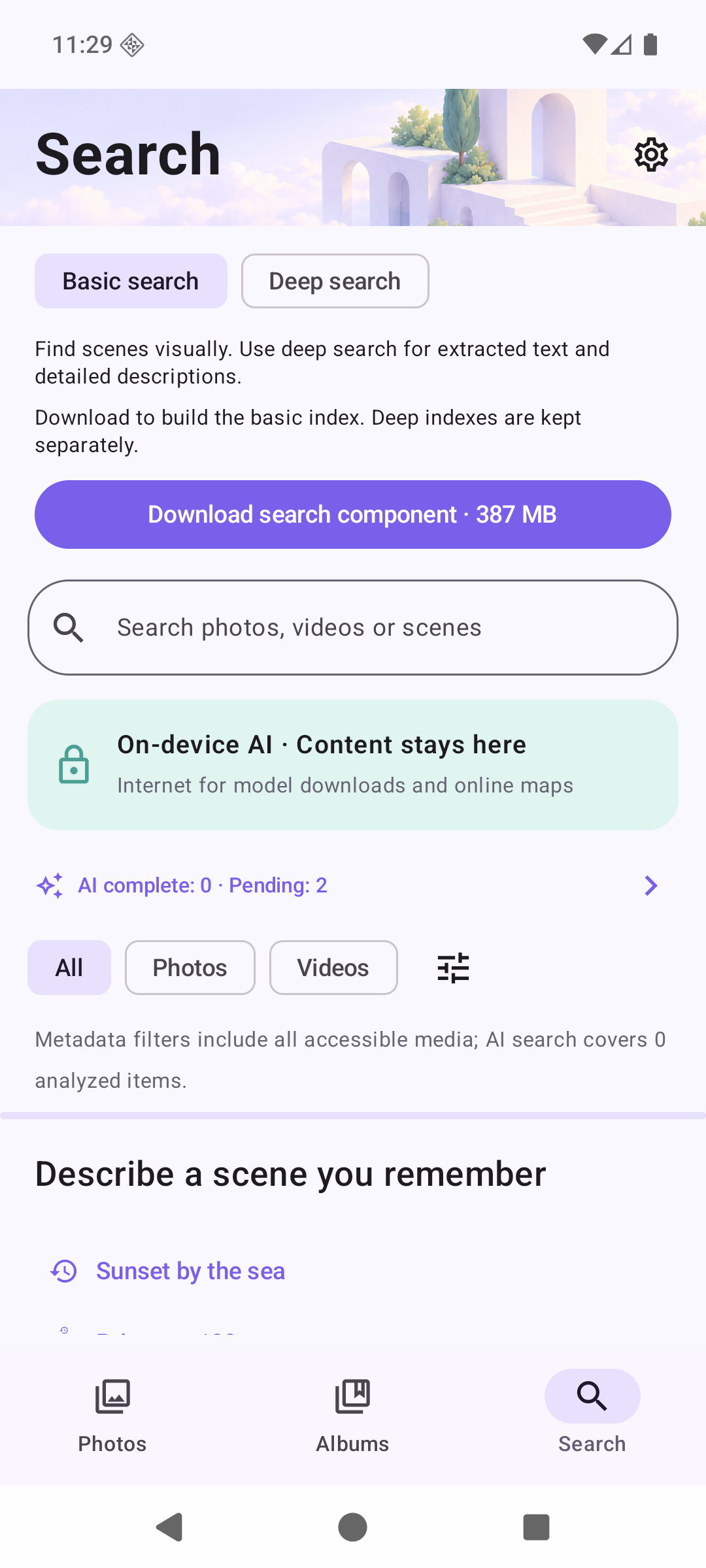
Development preview UI · Demo media
Rediscover your photos and videos through scene descriptions, text in images, and capture details. Once the models are downloaded, AI analysis and search work offline.
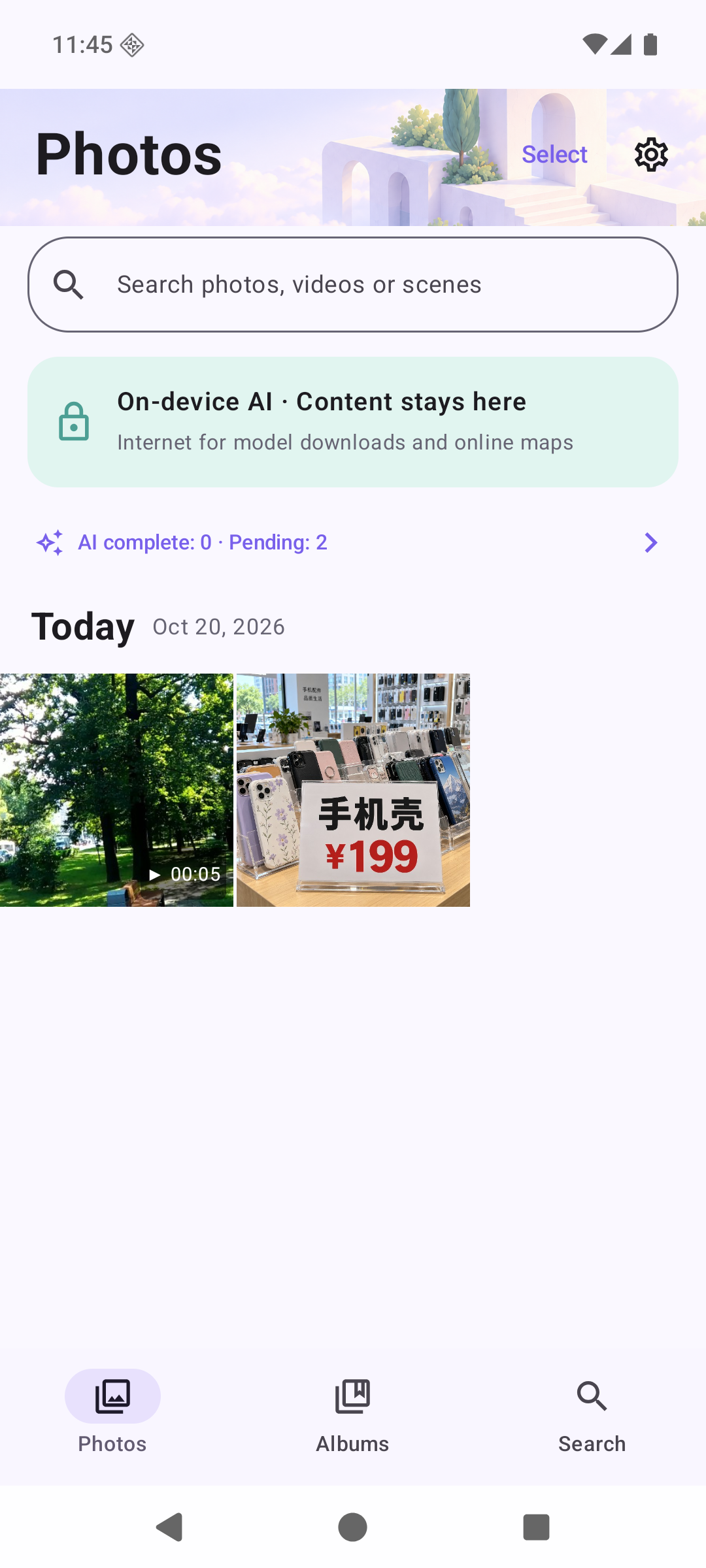
Combine scene descriptions, text in photos, and capture details to narrow your search. Try “a phone counter from last month with 199 on a price tag.” Results depend on your media and the analysis completed so far.
Try a search
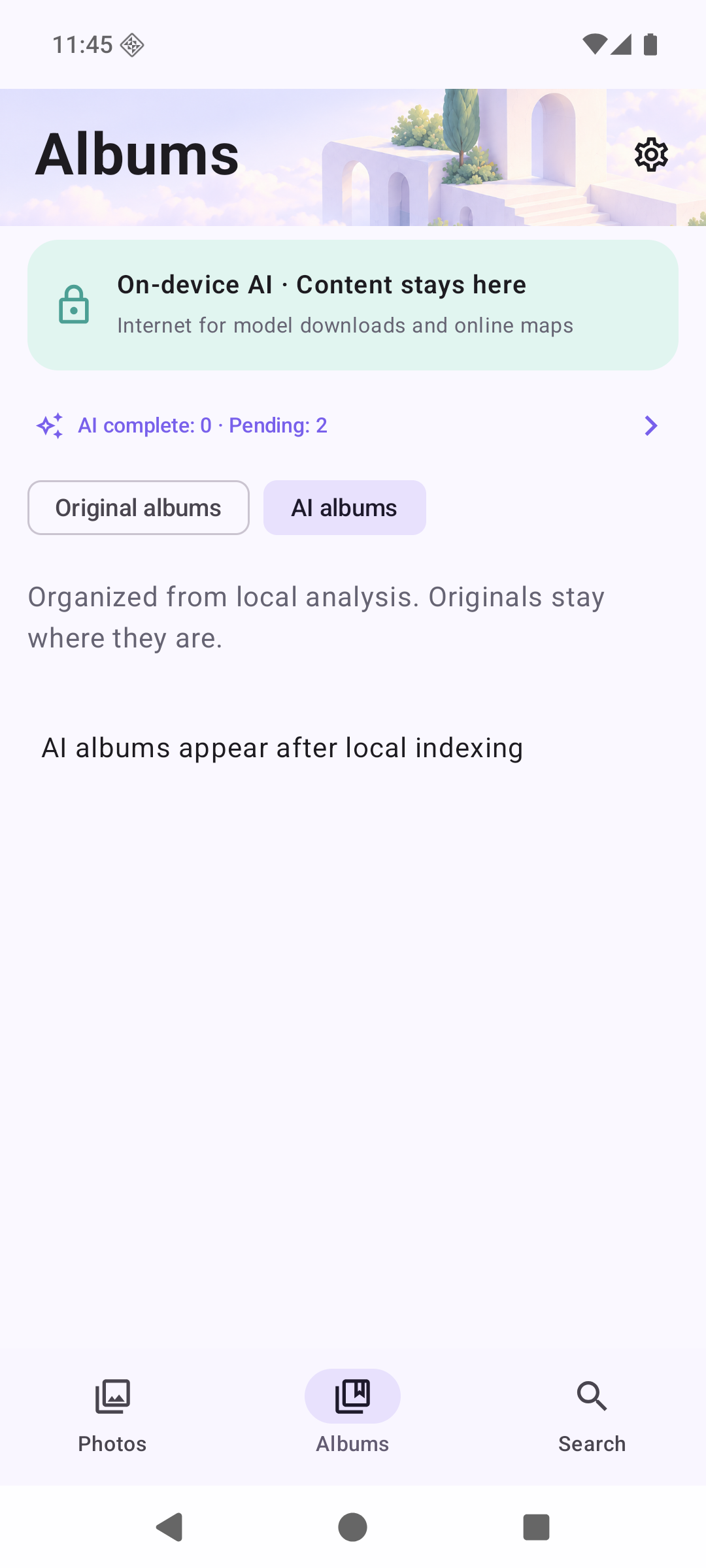
Keep your existing albums alongside AI smart albums, with the freedom to organize things yourself.
Analyze photos and videos locally to match video moments and text in your media.
After model download, AI analysis and search run entirely on your device, offline. Photos, videos, searches, and analysis results are not uploaded. Optional online maps connect separately.
Find scenes with basic search, or use deep search for extracted text and descriptions. The download is selected for your device automatically.
EmbeddingGemma 2 creates visual embeddings. Enable Qwen deep analysis when needed; each mode keeps its own index.
Development preview UI · Demo media
Choose dates, photos or videos, and specific albums. Index in batches and keep completed progress when you resume.
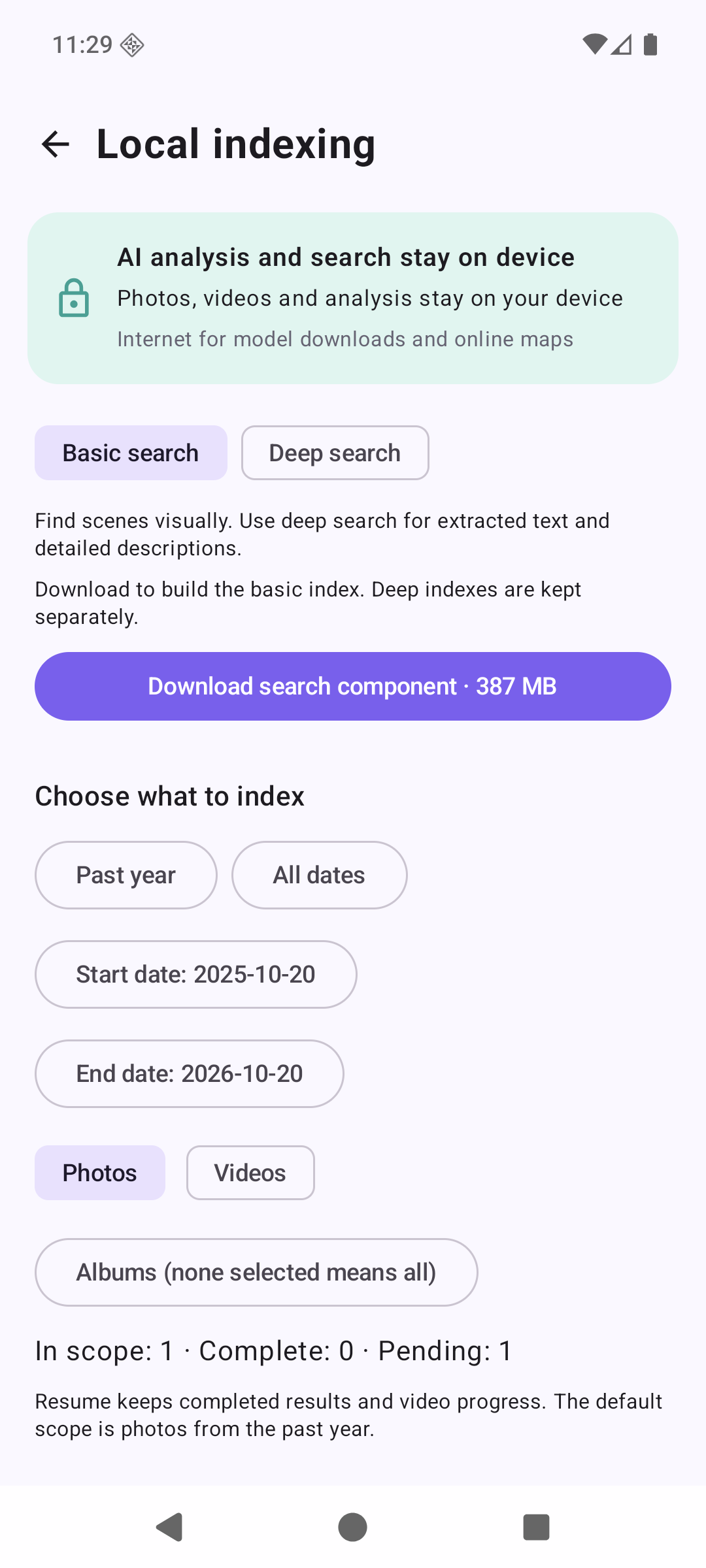
Development preview UI · Demo media
These development preview screens were captured in an Android emulator. Acceleration compatibility, sustained power use and full-index times on physical phones still need validation. Public downloads will follow stability testing.
The examples below illustrate text and scene retrieval after deep analysis, using seeded demo data.
Search for “199” to find a store photo containing that text.
Search: 199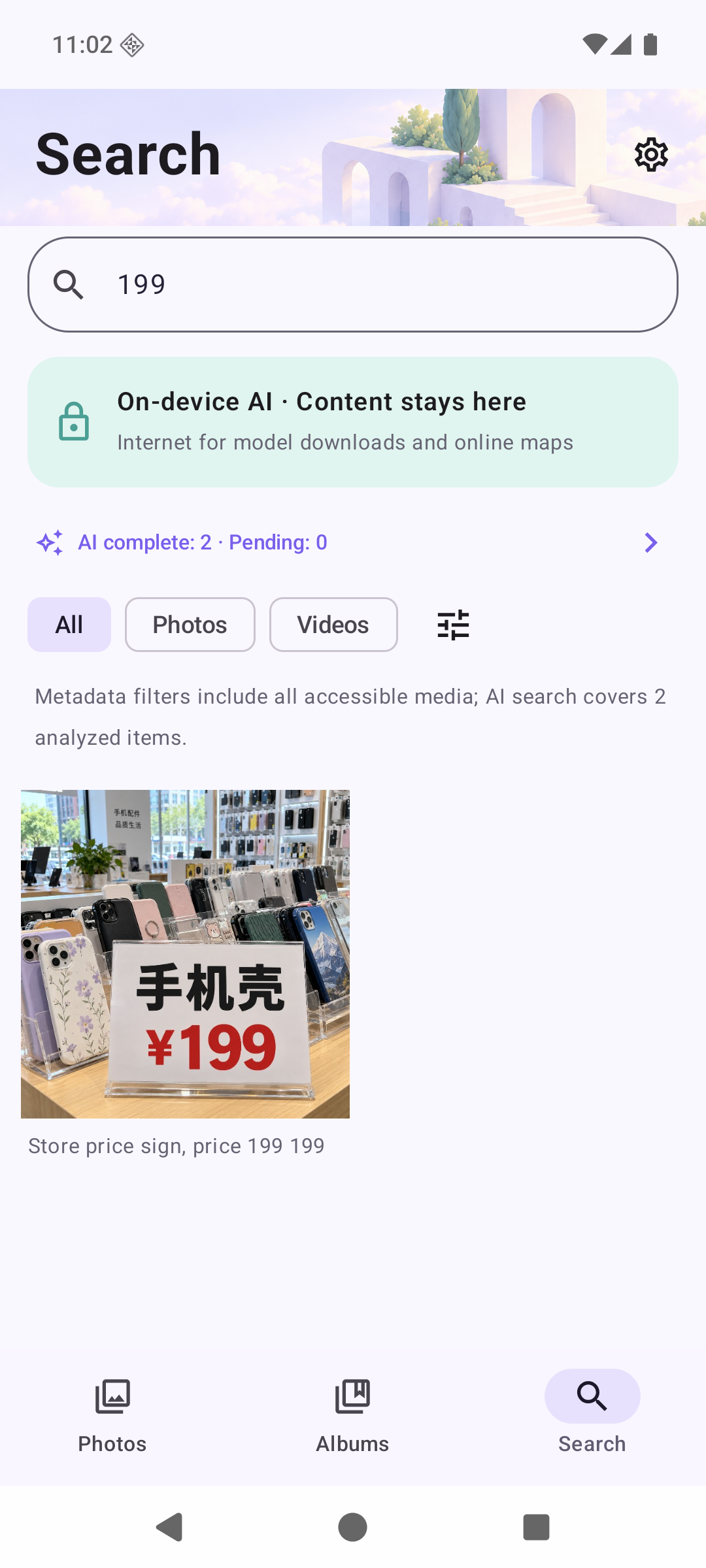
Actual app UI · Demo data
Search for “park” to find a video segment with trees and a woodland path.
Search: park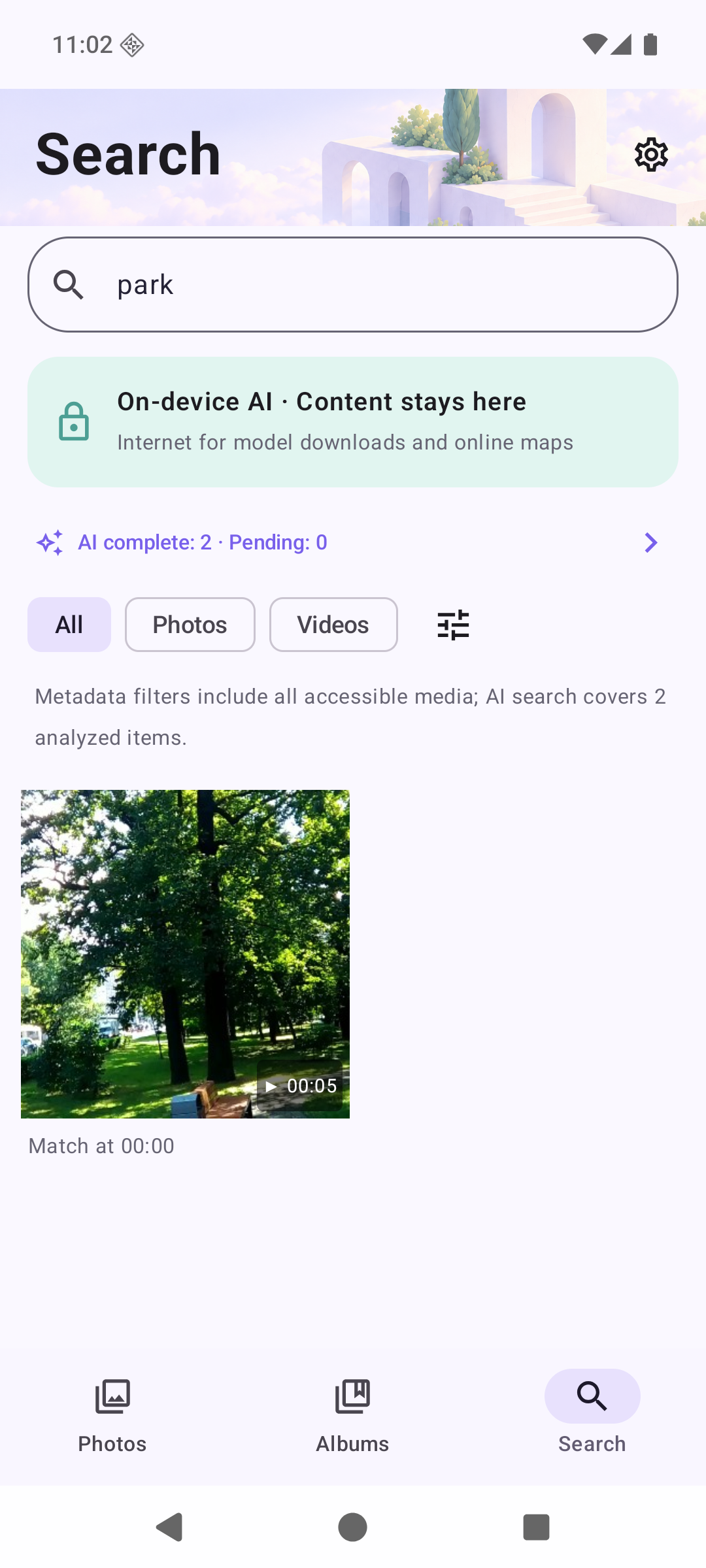
Actual app UI · Demo data
These are actual app screens captured in an Android emulator, using demo media and seeded descriptions to illustrate the search flow. They are not measured model outputs. Actual results depend on your media, model recognition and indexing.
Photos, smart albums, and model management. These are real app captures from an Android emulator with demo media. The development interface may change.
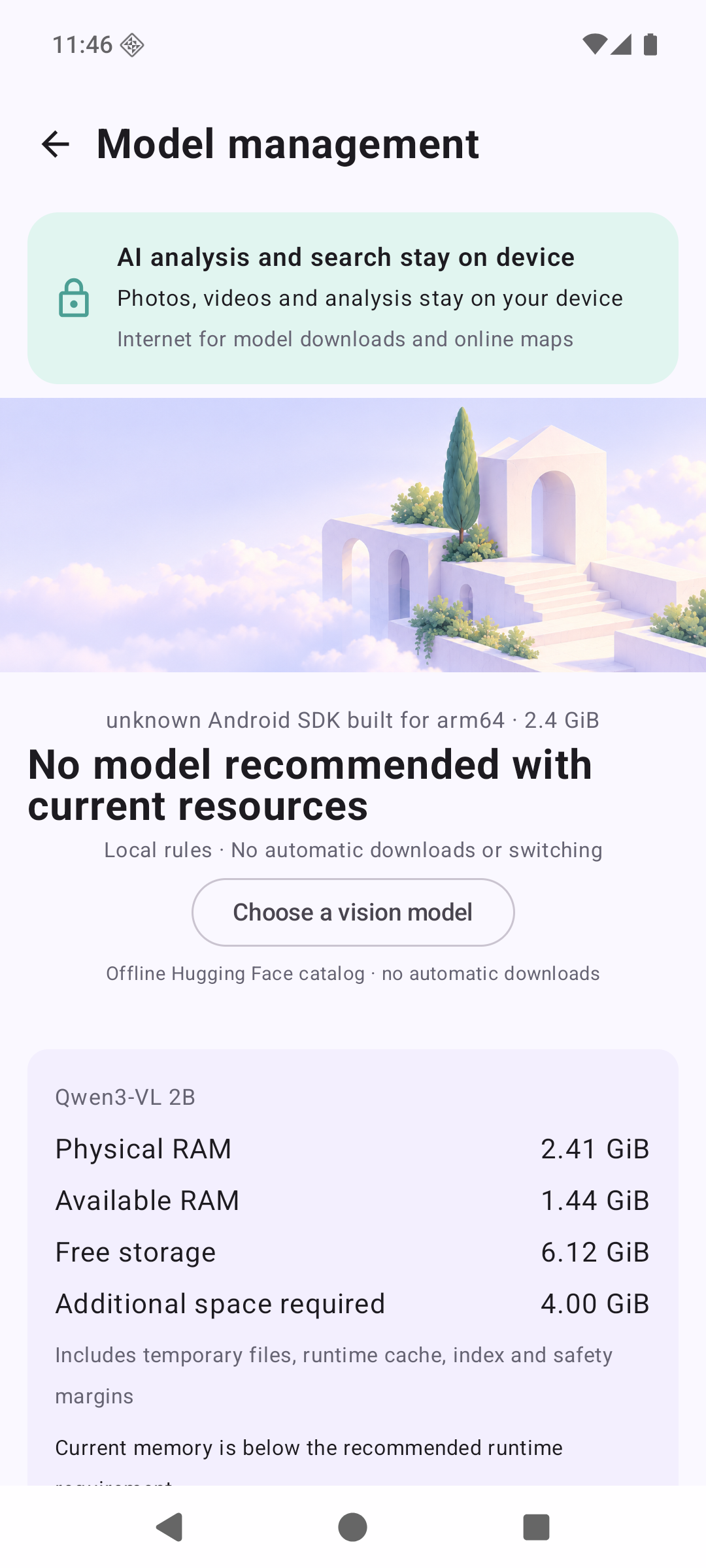
Start with private photo search, then explore understanding and creation. Make the everyday experience dependable before expanding.
Background continuity, thermal pacing, indexing efficiency and search quality.
Voice search, photo Q&A and clearer video moment retrieval.
Lightweight layouts first; then evaluate styles, fusion and image generation.
Start with voice search, then ask questions about selected photos. Answers should link back to their photo sources and acknowledge missing evidence.
 PhovuePlanned
Find a moment, then ask about it.
CONCEPT UI · ILLUSTRATIVE MEDIA · NOT AVAILABLE
Short voice input · Follow-up questions · Local first
Combine photos with layouts, aspect ratios and breathing room. Generative fusion of multiple photos is a separate capability to evaluate later.
PhovuePlannedA little journeyPHOVUE · MEMORIES
Templates first. AI fusion to explore.
CONCEPT UI · ILLUSTRATIVE MEDIA · NOT AVAILABLE
Photo layouts · Keep originals · Save a copy
Explore animation-inspired and watercolor treatments. Evaluate fidelity, model size and device resources before deciding availability.
PhovuePlannedKeep the original. Save a new version.
CONCEPT UI · ILLUSTRATIVE MEDIA · NOT AVAILABLE
Style exploration · Reversible · Separate output
Explore text-to-image and reference-guided creation. This needs a separate generative model and device validation; basic search will not require a large creative download.
PhovuePlannedOptional references · fusion under evaluation
CONCEPT UI · ILLUSTRATIVE MEDIA · NOT AVAILABLE
Text-to-image · Reference-guided · Optional modules
Android is in private beta, with access opening gradually. iOS will start with photo browsing, local indexing and search, followed by evaluation of Q&A and creation. Background execution and model support depend on platform testing.
Keep your personal photos and videos close, with local processing.
You need an internet connection to download models. After that, AI analysis, indexing, and search run locally without sending your media to a remote server.
Analysis results and indexes are stored on your device. If you open the optional online map, the selected coordinates and other necessary information are sent to the map provider.
Basic search uses EmbeddingGemma 2. Download Qwen 2B deep analysis when needed. Download size is not the same as working memory; monitor resources and progress during the first index.
AI analysis and search run on your device. Model downloads need internet access. Opening the optional online map sends the selected coordinates and other necessary information to its provider.
A beta preview is available while we improve stability. The Android preview targets ARM64 devices running Android 10 or later. Models are downloaded separately. Memory and storage requirements vary; use the resource checks in the app.
Photos, videos, and analysis results are not uploaded. Smart albums and manual organization store local associations; categorizing media does not copy or move the originals.
The quantized 2B model generally uses less storage and working memory than larger models. Visual AI is still demanding: the first full index can take time, consume battery, and warm your phone. Follow the app’s resource checks and actual progress. Small-model results can also be inaccurate.
The first index analyzes items individually. Media count, video length, and phone performance affect the time needed. We are improving resource limits and stability. Start with a small photo selection in this preview.

Not yet in app stores · Android 10+ / ARM64
Beta access is opening gradually. This development preview is available to try while thermal behavior, power use and stability are being improved. Start with a small photo selection. Models download separately; planned features are not available.
0.2.2-preview.1 · 143.8 MiB · Development preview